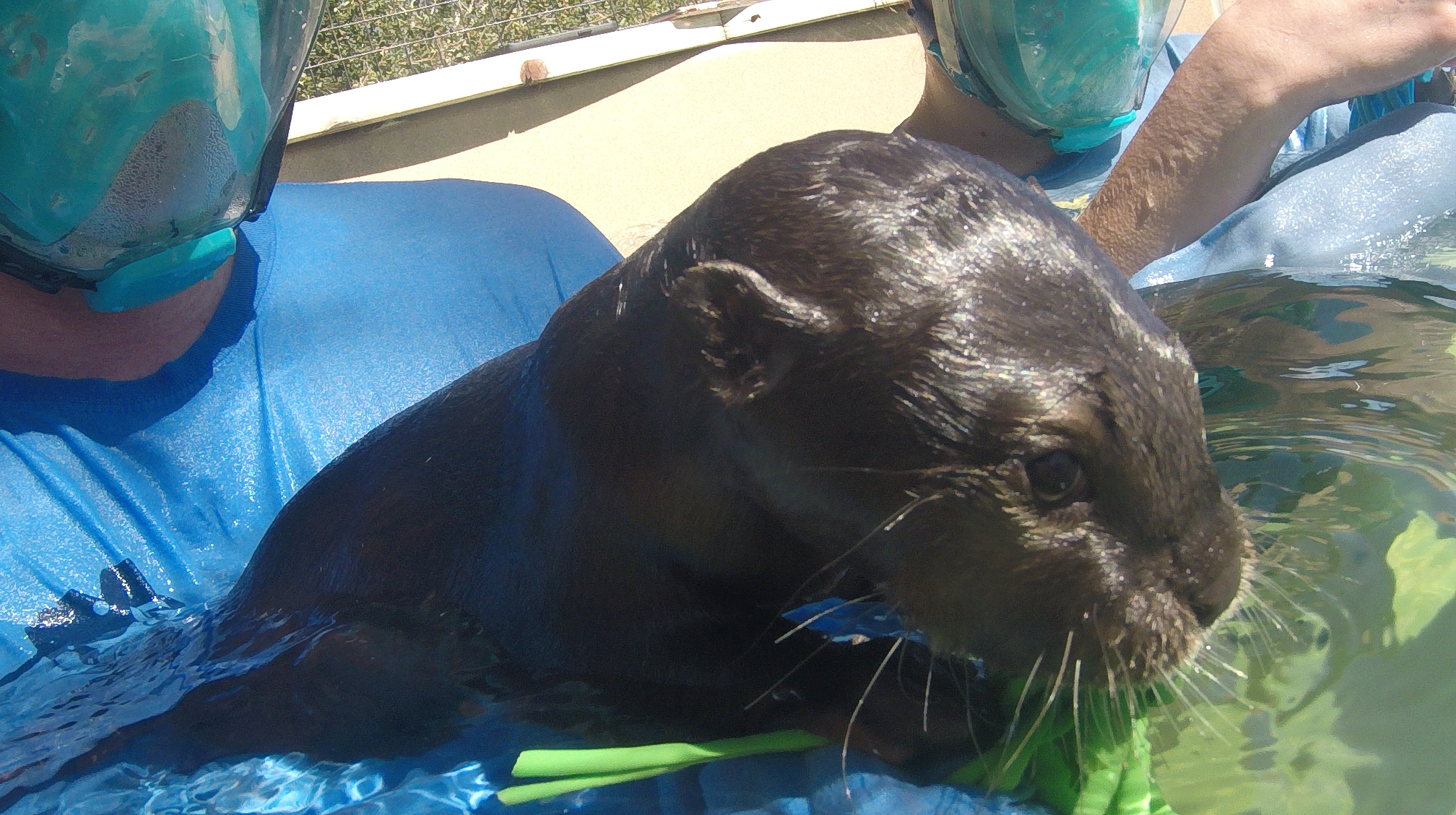
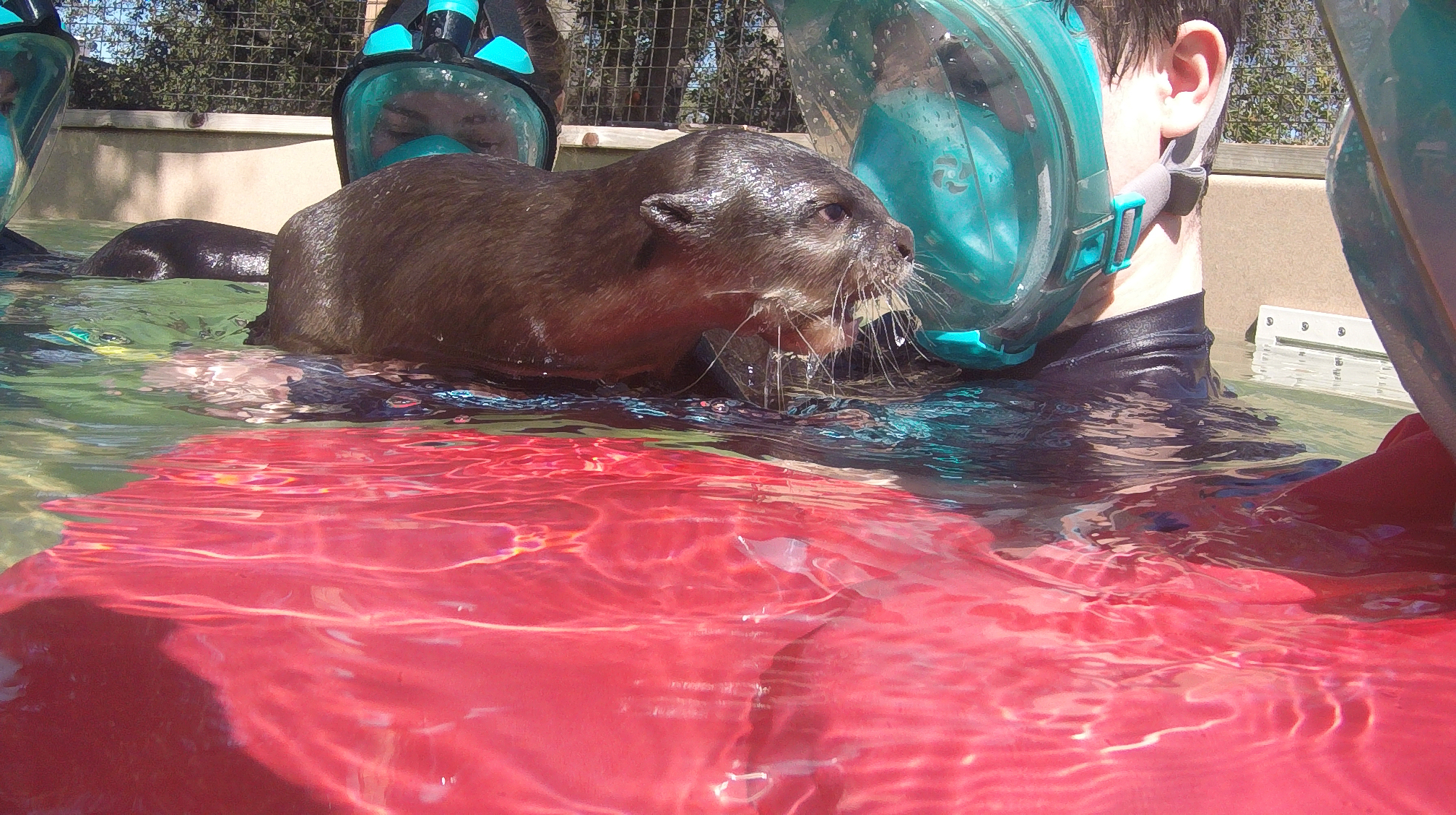
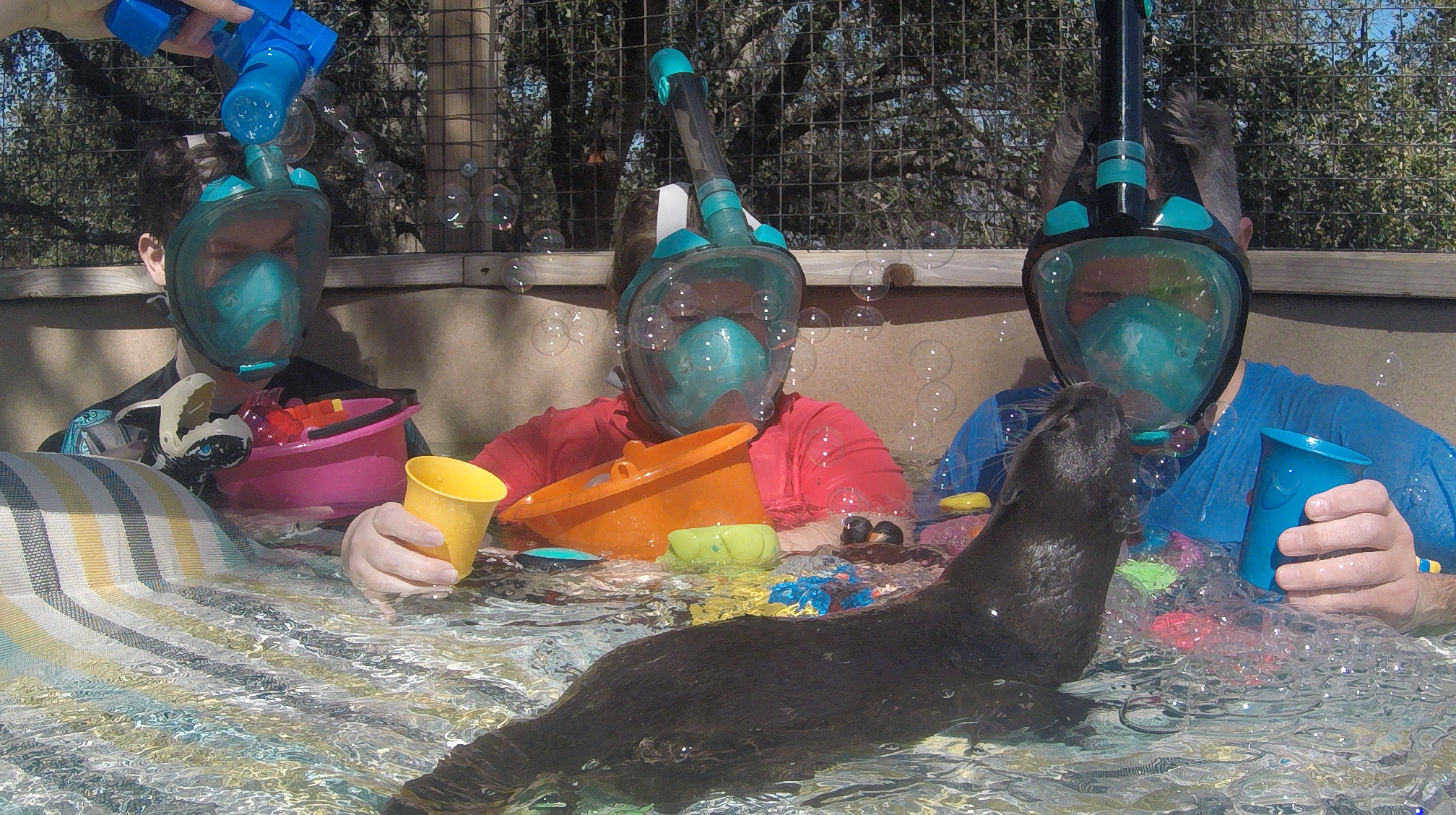
I’ve wanted to do this for several years now. This company Nurtured by Nature has otter swims where you get in the water and get to play with otters. So for Christmas I made reservations for the three of us to go down and do this. It was everything I hoped it would be and was a great time. Here are some of the shots from the GoPro that I was holding during the encounter. I have video, but that is going to take some time to go through.





Bird shooting at the Santa Ana River Trail
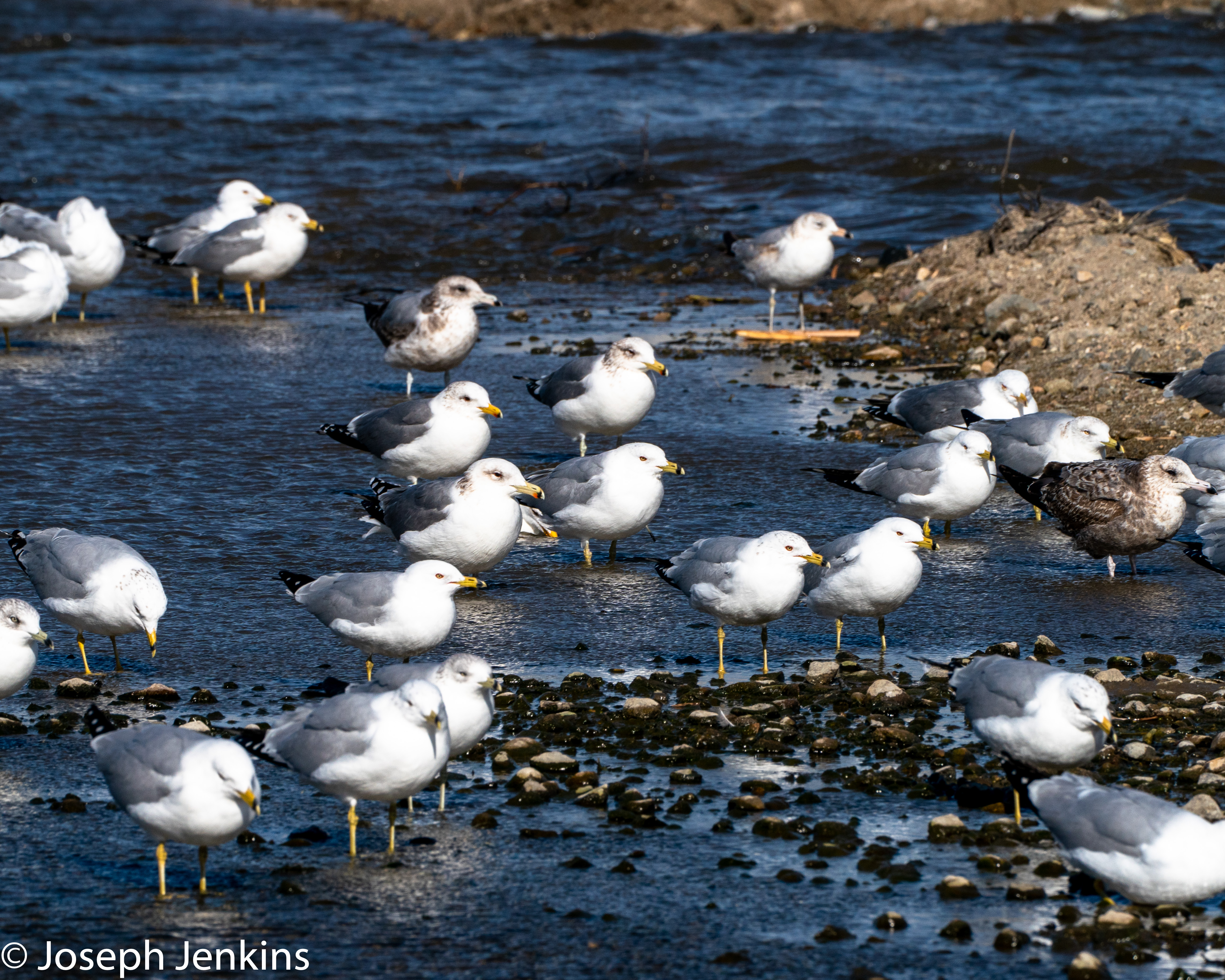
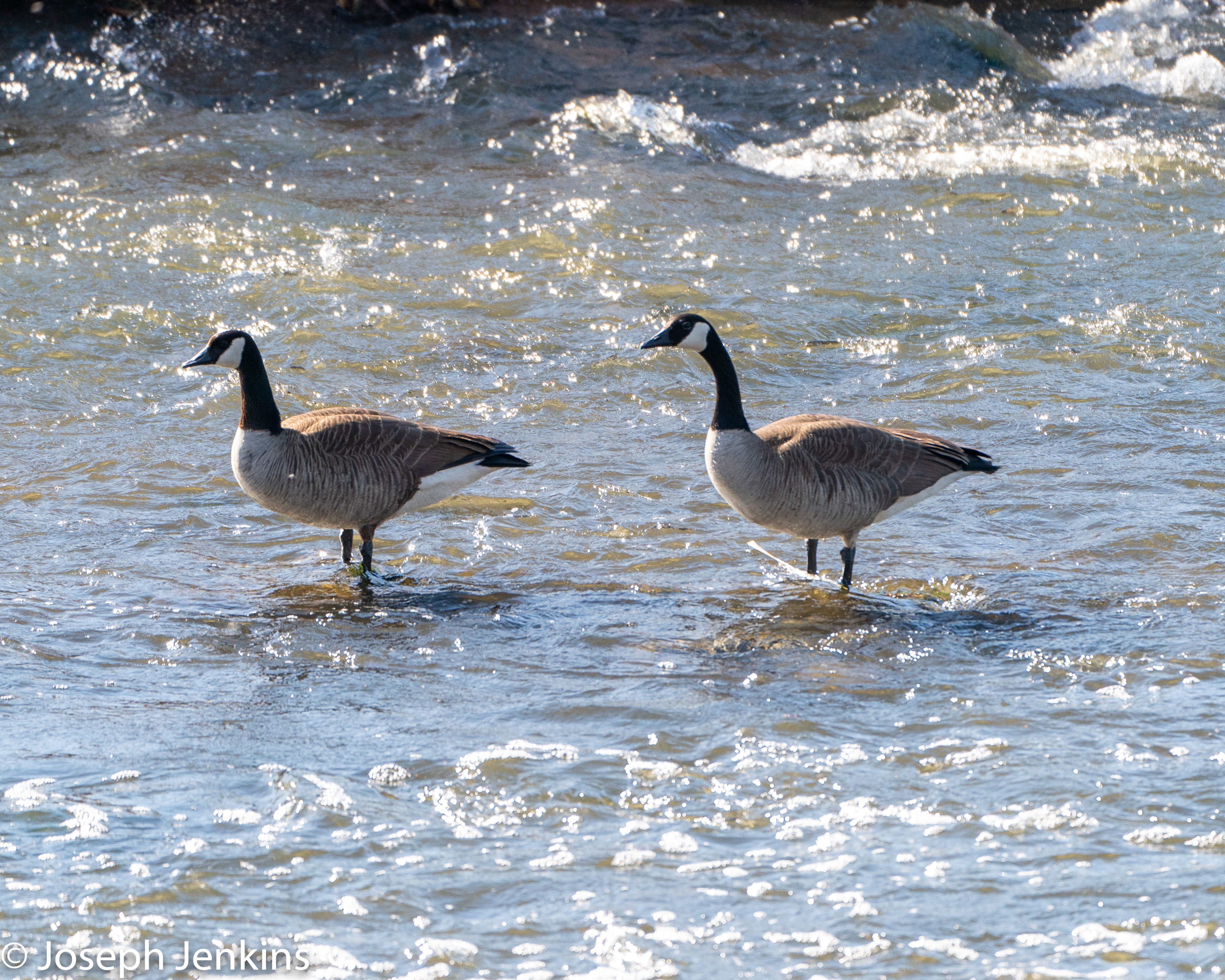
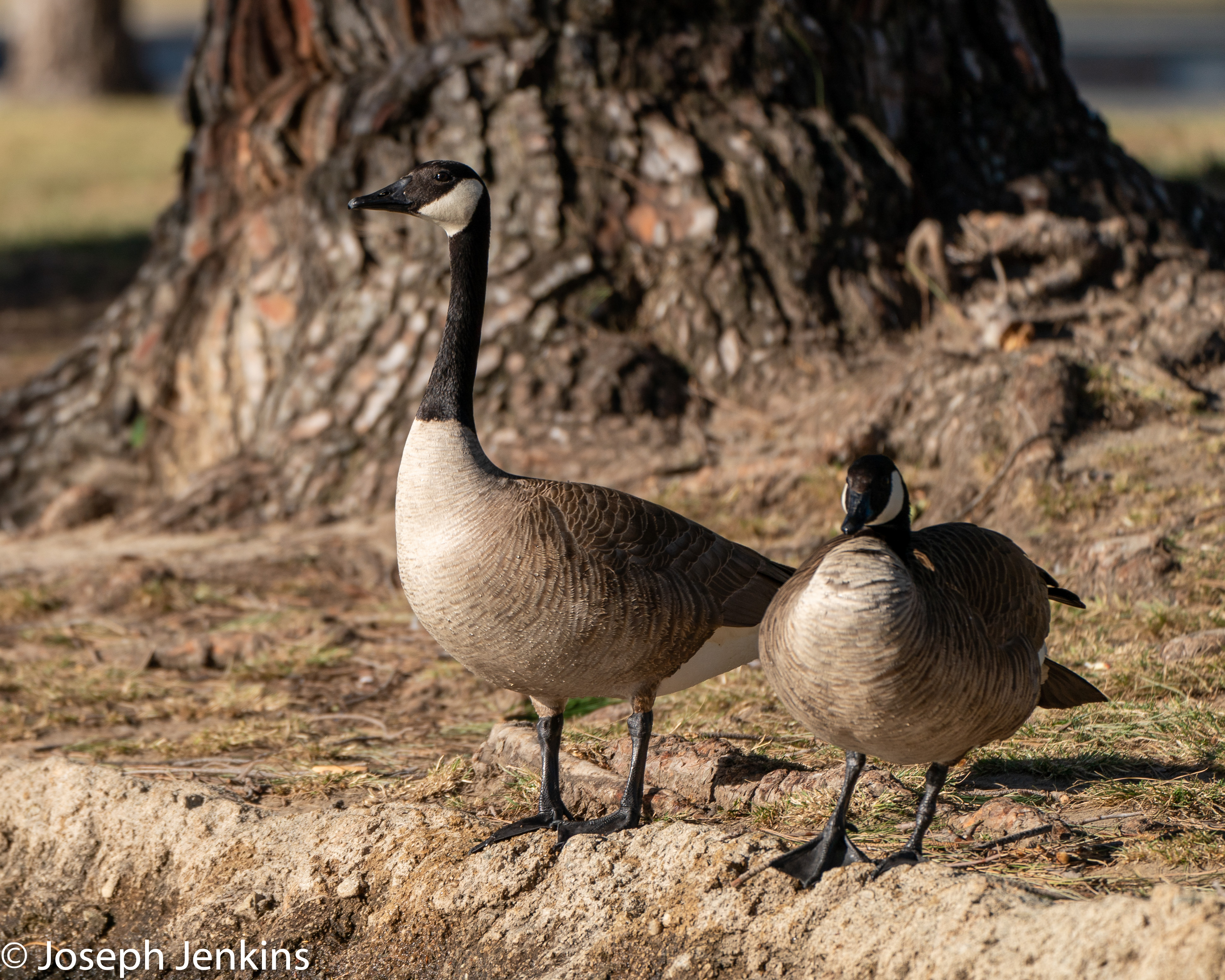
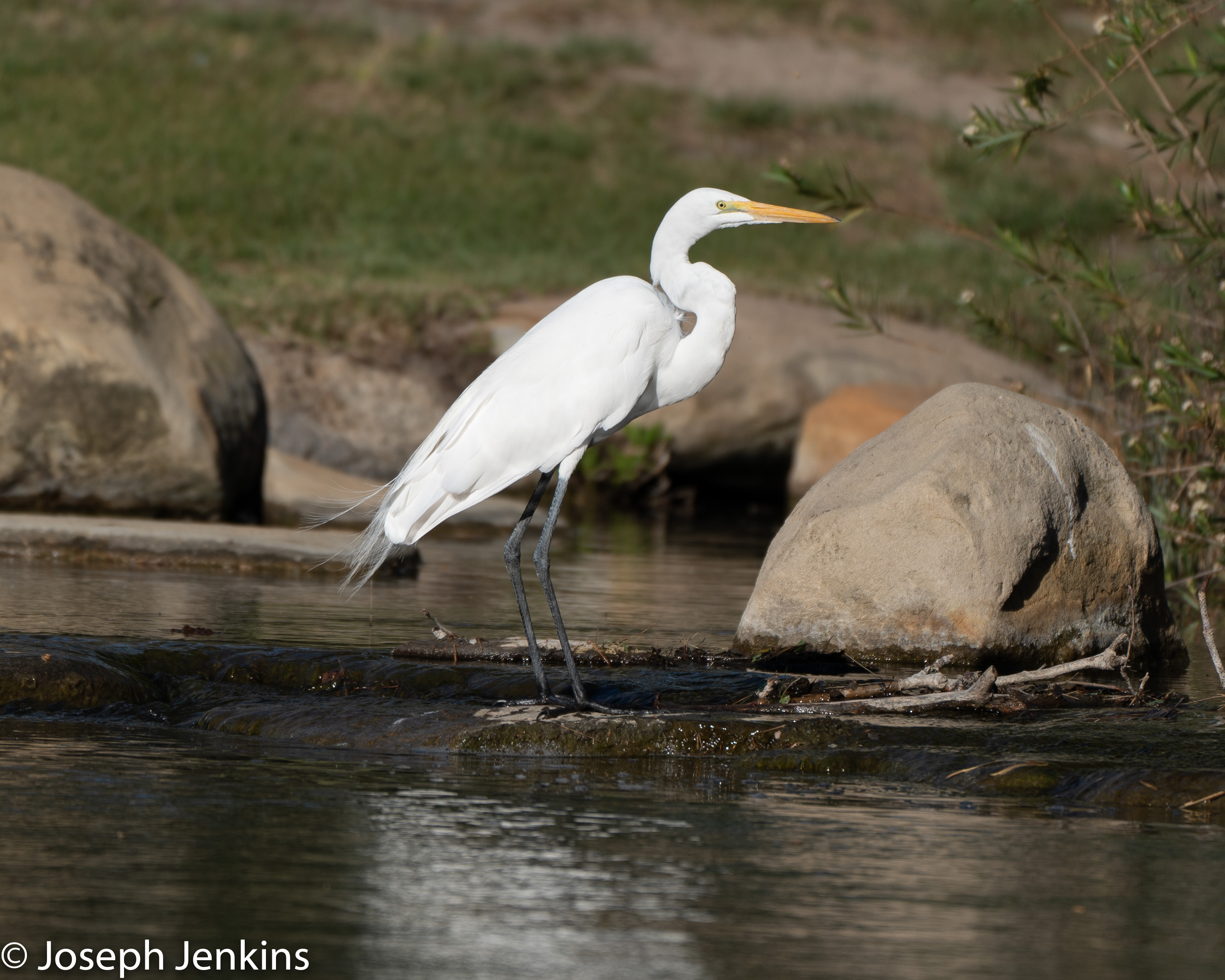
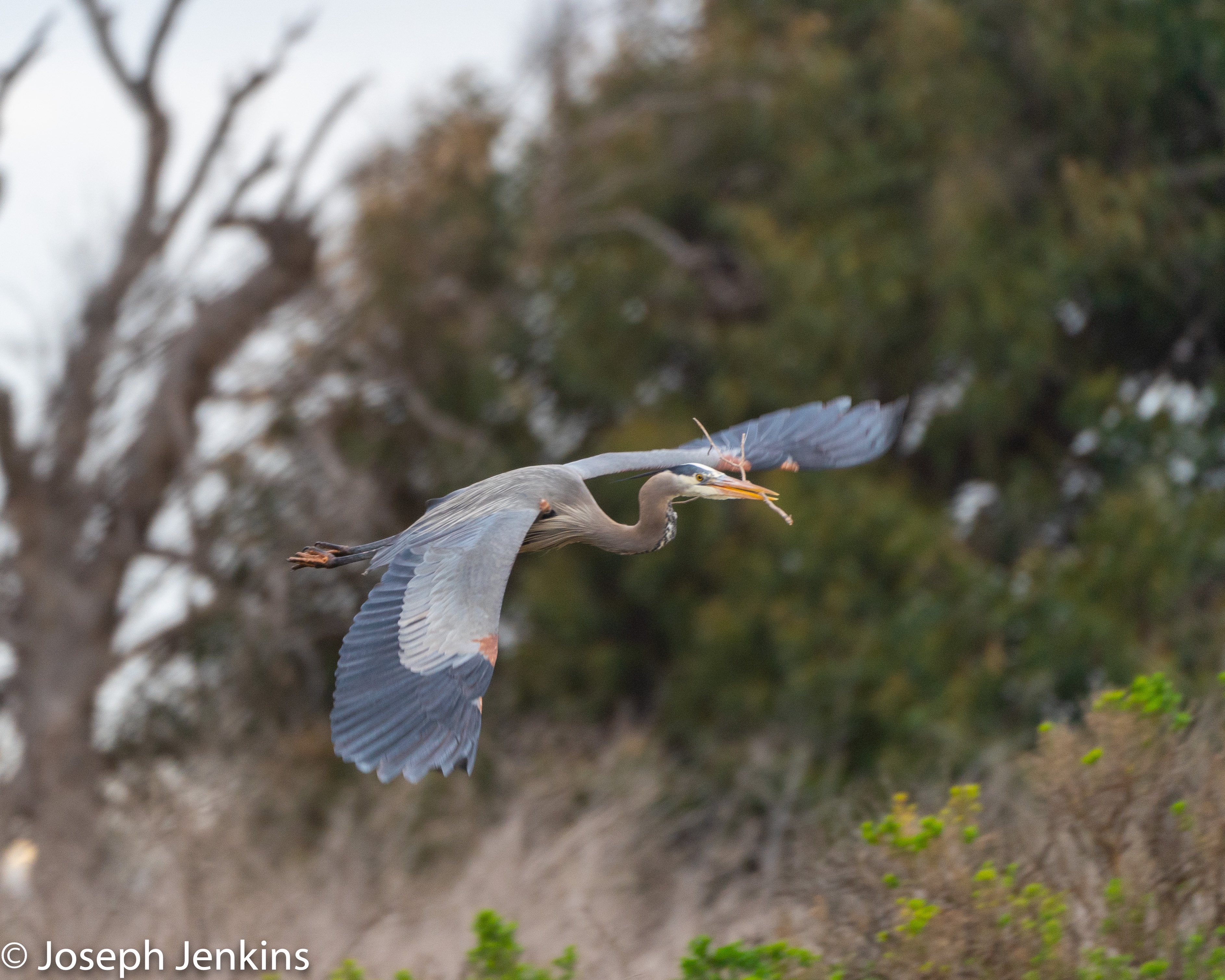
Sunday was super windy with gusts up to 50mph, I decided not to ride my bicycle, but go out and do some shooting along the Santa Ana River Trail. For those that don’t know this is a 50 mile long path that goes along the Santa Ana River from San Bernardino through Riverside, and Orange Counties. It ends up at Huntington Beach. After shooting at Bolsa Chica a few weeks ago I wanted to go and work on my bird photography so I set out just after sun rise and started to shoot. I had some hits and quite a few misses. While I had the wind to my back, the sun was off to the side and I needed to find a way to get the sun behind me. A lot of my shots were dark and I couldn’t get a catch light in the birds eyes because the sun was on the other side of them and me. I drove up and down along the river and got out at a couple of places to take shots. Below are some of the keepers from the day, the misses have gone to the bit bucket at this point. Just wanted to capture some things that I need to do better and need to be more cognizant.
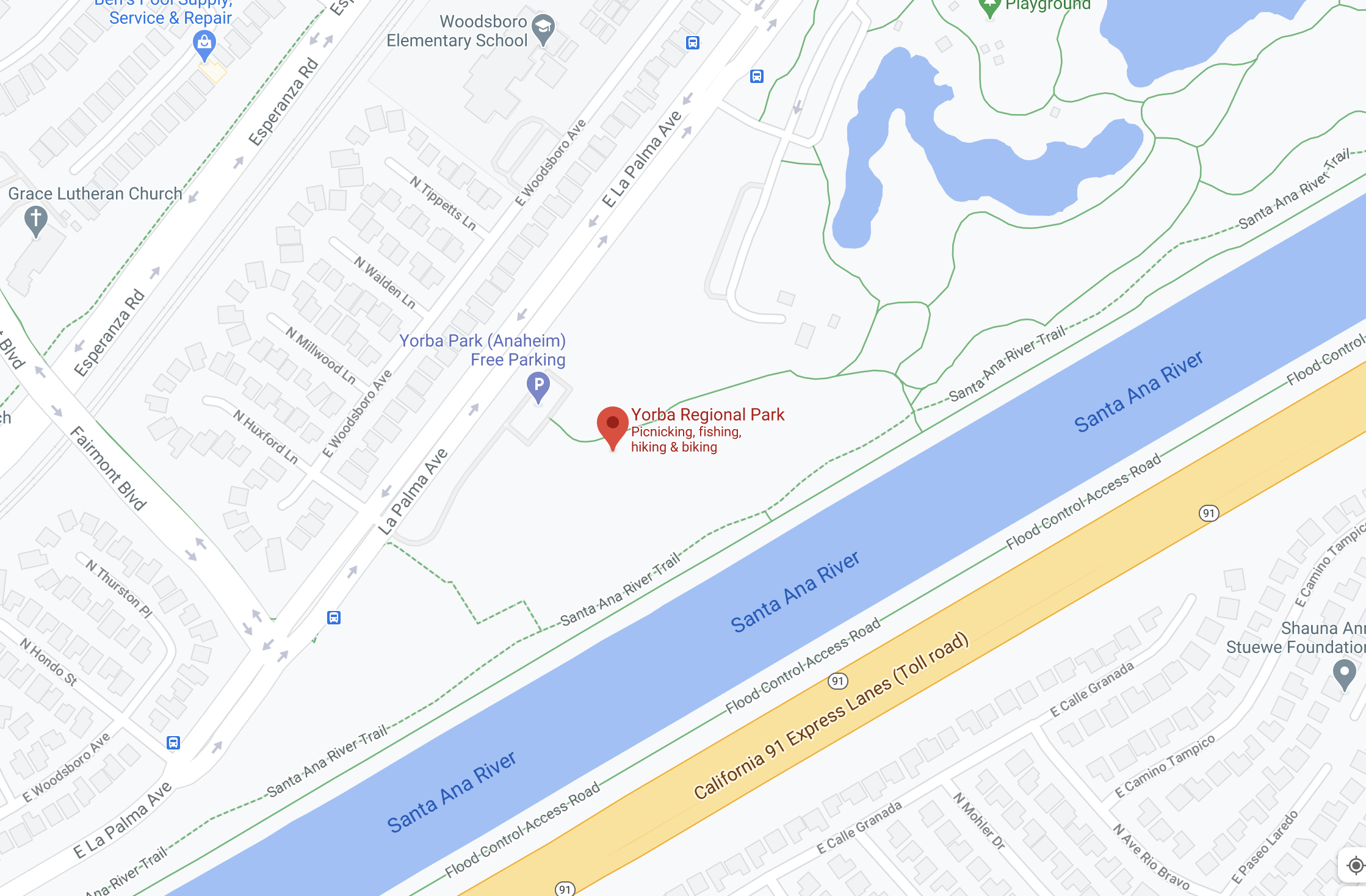
I parked at the Yorba Regional Park and paid the 5 bucks for it. There are some nice ponds in here that the birds will stay at so it made for a nice place to start the trek, it also provides convenient bathrooms and other luxuries, vs the rest of the places I went.




Bolsa Chica Reserve
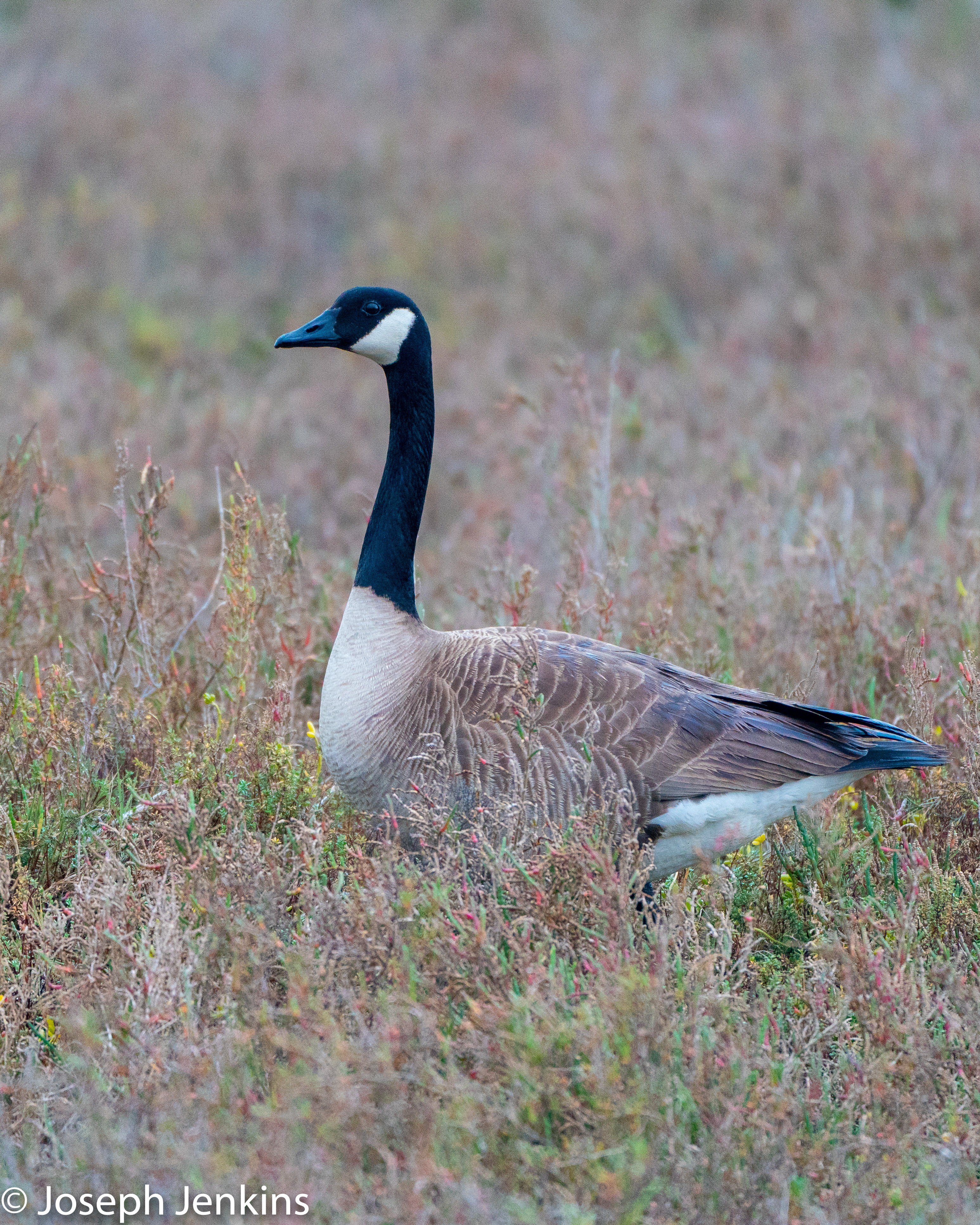
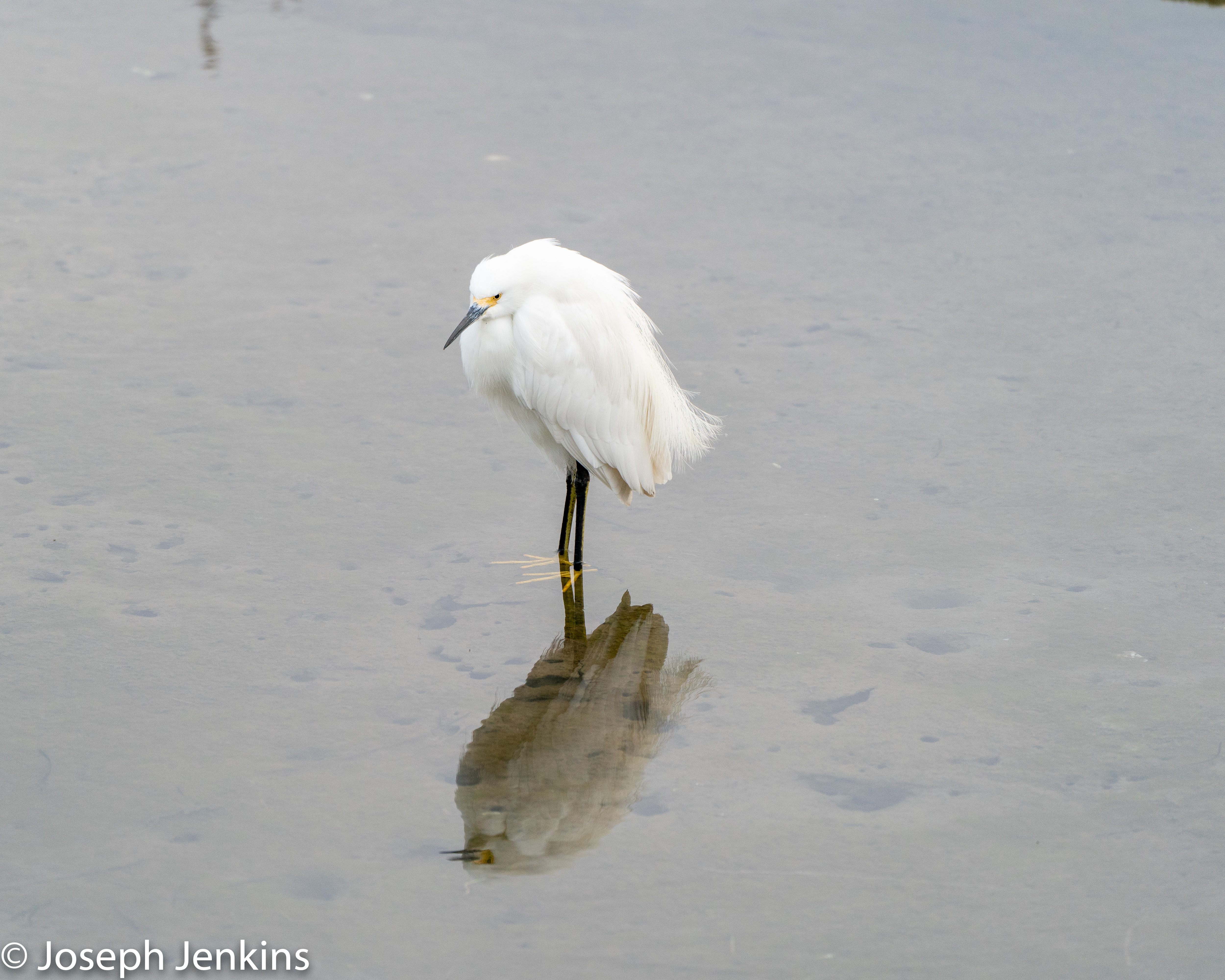
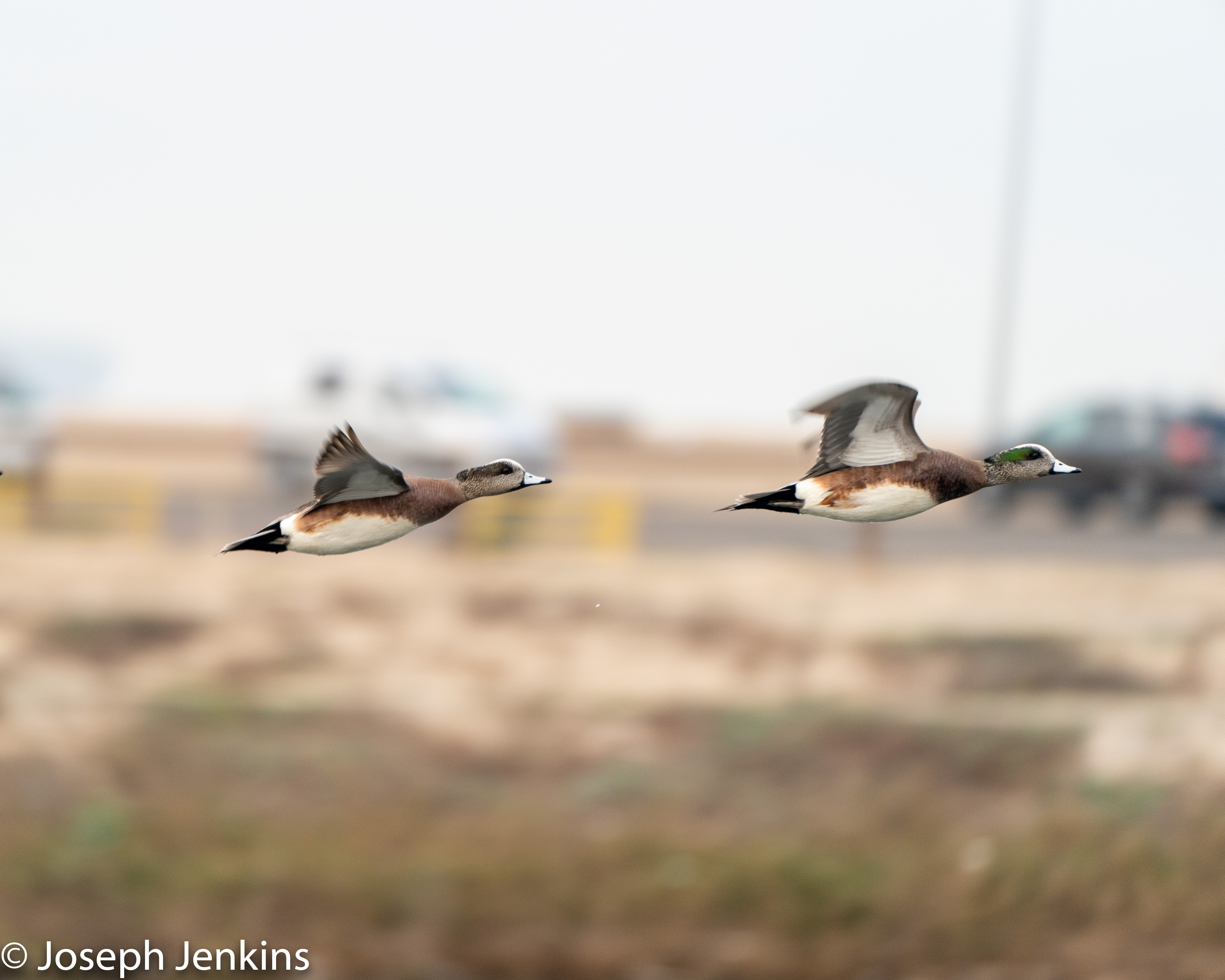
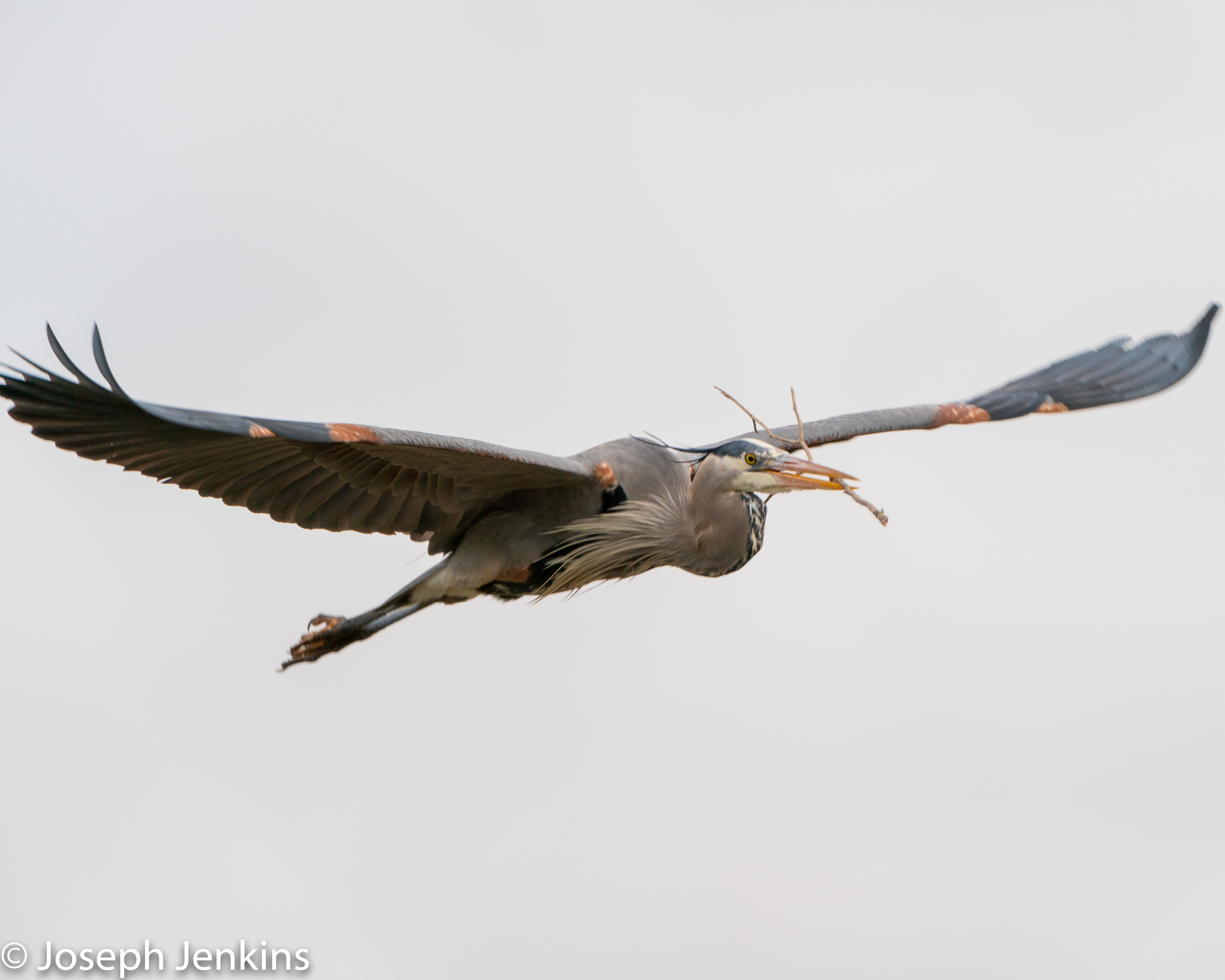
Went to the Bolsa Chica Reserve a couple of weeks ago and was able to shoot some of the birds that were in the Reserve. Had a good time and these were some of the more successful shots that I had.

Giving up my 100 days of code
So I am 20 days into my 100 days of code and I am going to stop going through the class I was taking on Udemy. I have finally gotten to a point where a lot of the modules they are trying to have me use aren’t working and I am spending more time troubleshooting their stuff than I am actually learning. So now I am going to start my own exercises and continue my learning on my own. I am going to try and cherry pick some of the courses in the class that still work, but will end up refining my code with what I have already learned and trying to put some the practices into place to improve my code. I will also work on automating more of the functions that need to be automated in my environment. In all I am frustrated by the fact that I could complete the Udemy course, but thankful for the few things that I have learned.
Script to update Address entries in Fortigate
With our VPN being over utilized I had to implement split tunneling on our vpn. However there are some web services that require a known IP address to access. Unfortunately these services are on AWS which the IP address changes often. I built this script to lookup the addresses and then update the Fortigate firewalls VPN Routing list to make sure that the traffic goes over the vpn tunnel and through our known IP address to access the service.
#!/usr/bin/python3
#Update Epsilon on the Fortigate Firewall VPNs
from nslookup import Nslookup
from netmiko import ConnectHandler
import cred
device1 = {
“host”: cred.hostname,
“username”: cred.rancid_username,
“password”: cred.rancid_password,
“device_type”: “fortinet”,
“secret”: cred.rancid_password,
}
#Connect to the Fortinet
net_connect = ConnectHandler(**device1)
#Listing of the domains to query
DOMAIN_FILE = open(“domains.txt”, “r”)
#DNS Server to query
DNS_SERVER = [‘x.x.x.x’]
def LOOKUP_DOMAIN():
#queries the specified dns server to get the info for the urls and writes the data to a config file
dns_query = Nslookup(dns_servers=(DNS_SERVER))
ips_record = dns_query.dns_lookup(line)
ORDERNUMBER = 1
for x in ips_record.answer:
FILE_CONFIG.write(“edit ” + line + “_” + str(ORDERNUMBER) + ‘\n’)
FILE_CONFIG.write(“set subnet ” + x + ” 255.255.255.255″ +’\n’)
FILE_CONFIG.write(“next” +’\n’)
ORDERNUMBER = (ORDERNUMBER + 1)
FILE_CONFIG = open(‘config.txt’,’w’)
FILE_CONFIG.write(“config firewall address” +’\n’)
for line in DOMAIN_FILE:
line = line.rstrip(‘\n’)
LOOKUP_DOMAIN()
FILE_CONFIG.write(“end” +’\n’)
FILE_CONFIG.close()
# write to the Fortigate
output2 = net_connect.send_config_from_file(config_file=”config.txt”)
Starting my 100 days of coding
I took up the 100 days of coding challenge to work on my coding skills in Python. I am pretty good with the requests module, but that is about it. I figured this was a way to work on my coding skills and help learn some additional skills that I didn’t have before. Already 7 days in I’ve managed to learn a few things I didn’t know before and also managed to build out some programs so I can update my existing stuff and add in some password randomization. I built a git repository for all of the coding projects under one single heading. Figured this way I could reference it later if needed:
Python script to pull ip addresses from Meraki and then update Microsoft trusted locations in Azure AD
I needed a script that would automatically get all of the ip addresses for my stores and then upload them to Microsoft on a weekly basis and create a trusted location. I did this so that we wouldn’t have to use MFA for all of the stores and they would be able to log in with just their username and password. Since all of the data was sitting in Meraki I decided to pull it from there and then upload it to Microsoft. Here is the script that goes through all of the wireless devices in my Meraki org and then updates Microsoft with that data and sends an email when it’s been done successfully. I’ve posted the script for reference and anonymized the portions of the script that I didn’t put into the cred.py file.
I used the wireless devices from the Meraki cloud because they were easier to pull out and integrate into the script.
I posted the code to my GitHub repository so that others can see what I did and make recommendations for changes or other things that should be added.
https://github.com/undrwatr/Update_Location
Future changes for the script:
Keep just one database of the ip addresses and update it as needed instead of creating a new site
Additional error checking in case the script doesn’t run
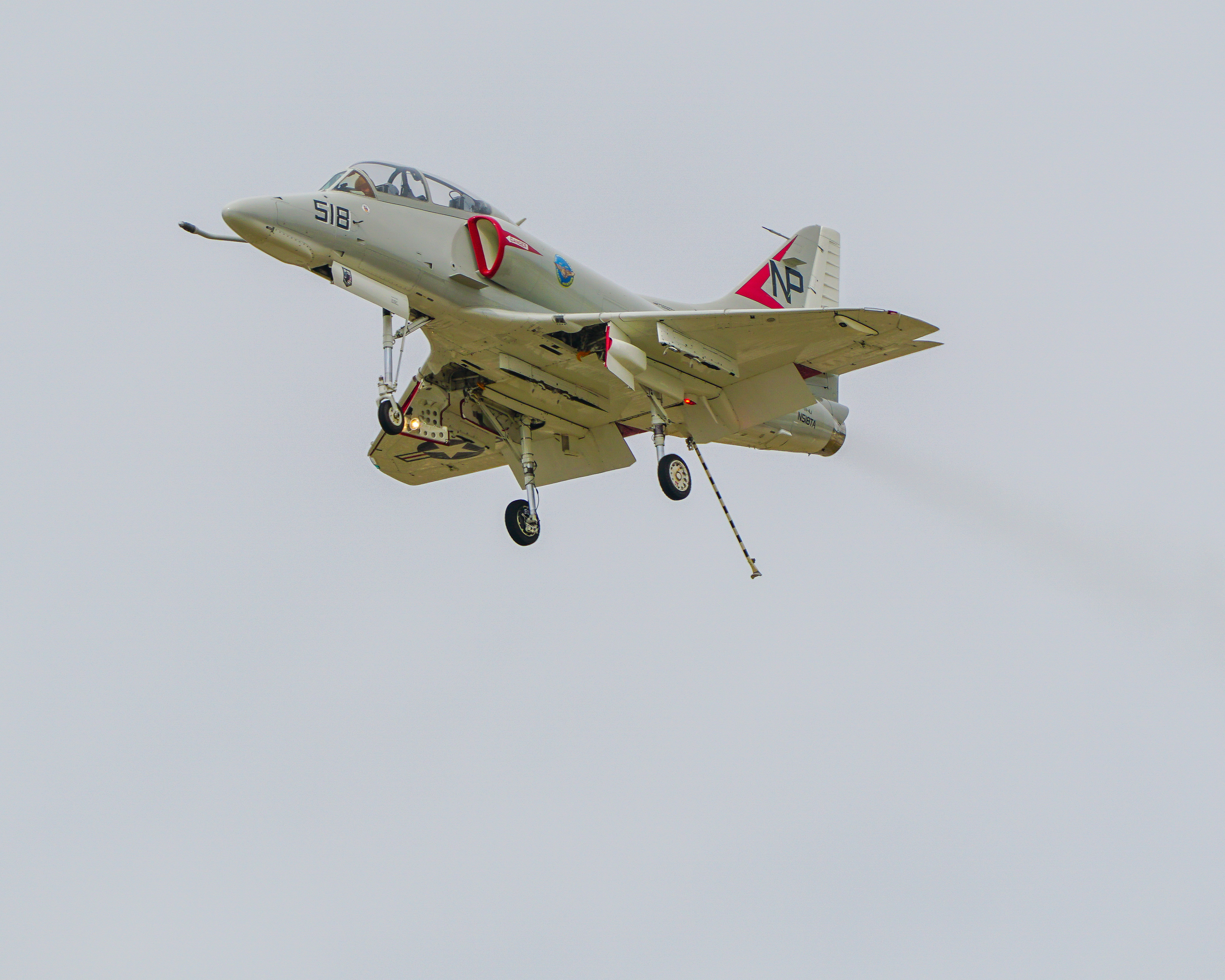
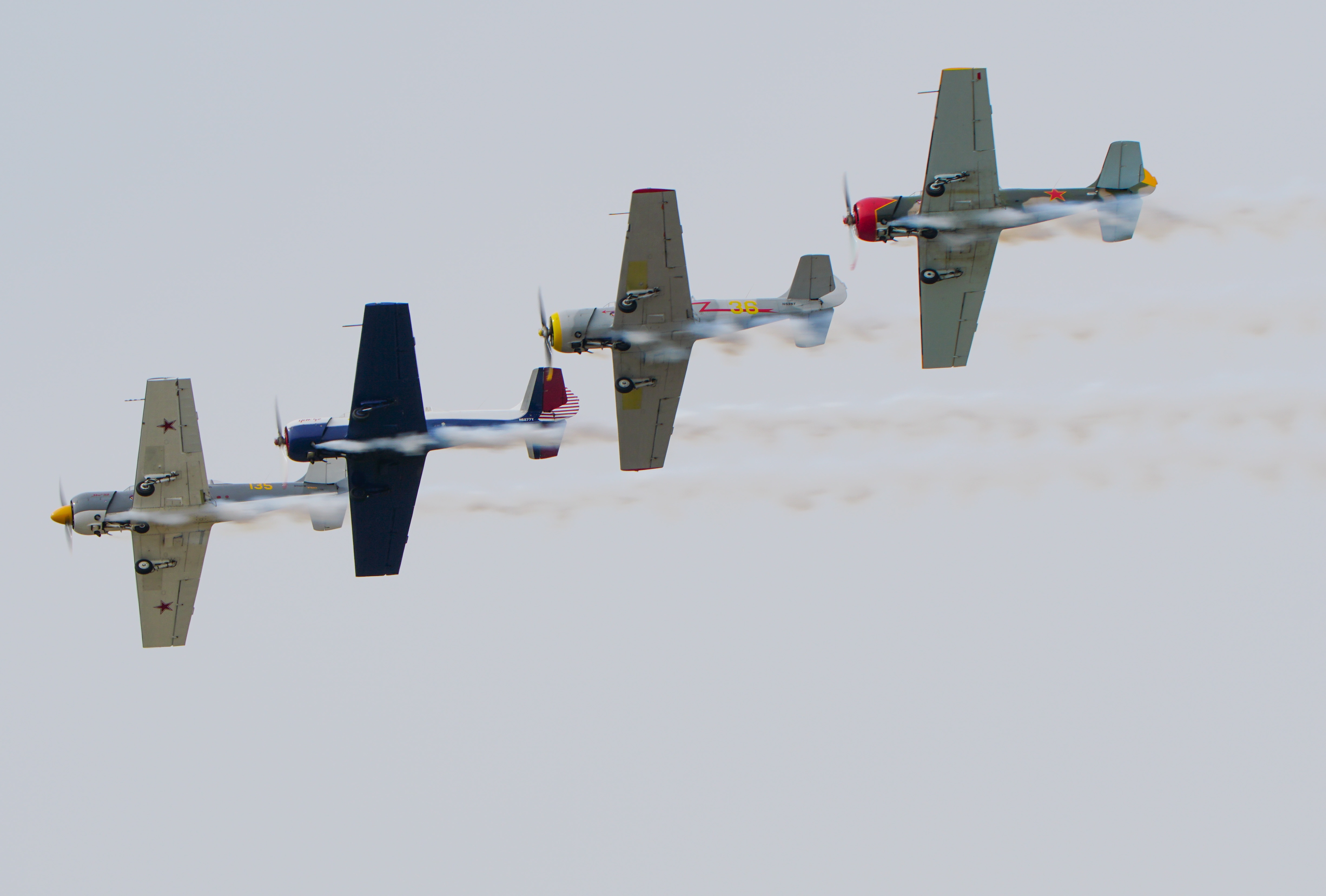
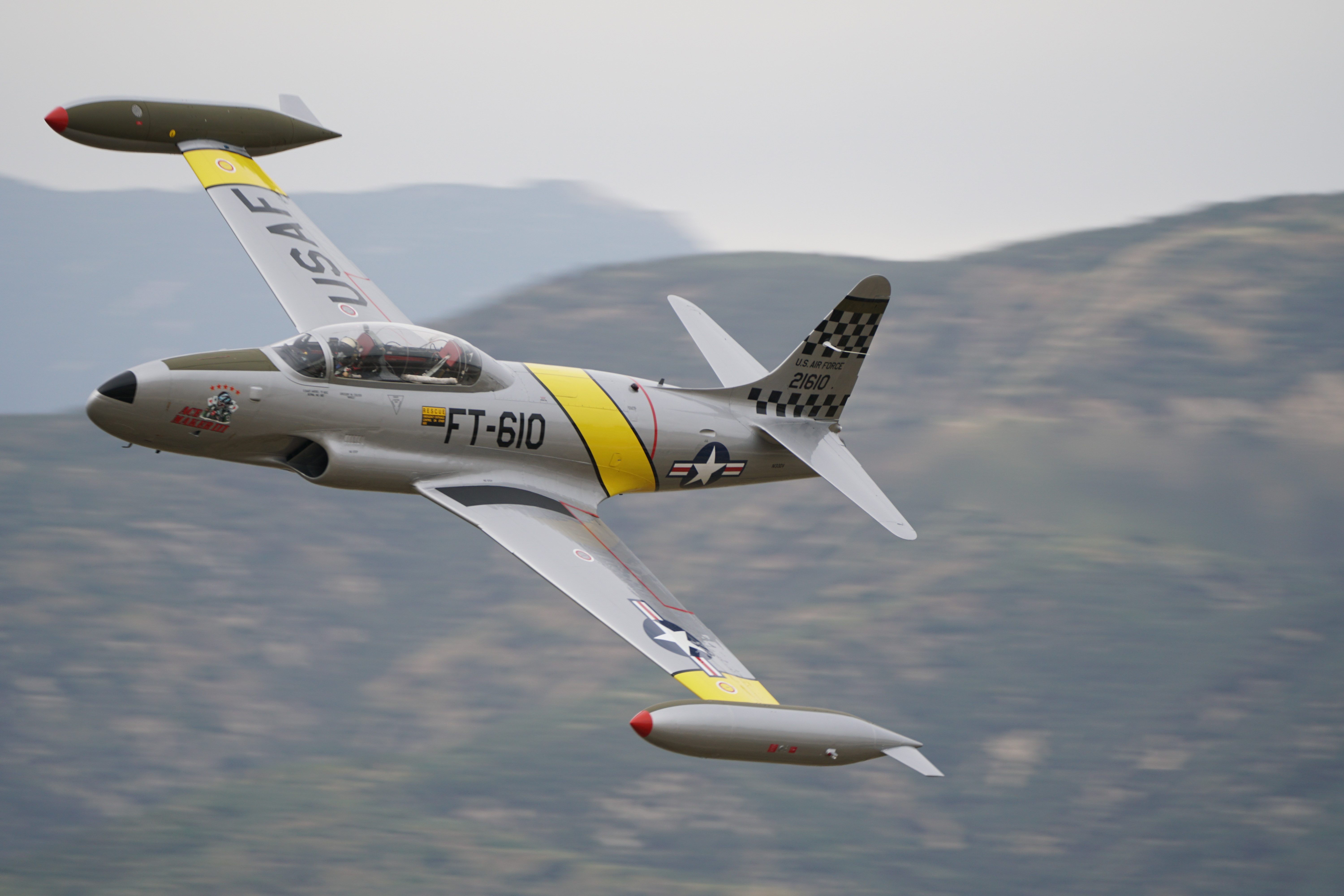
Re edits of the 2019 Redlands Airshow
I went back through and decided to do some re edits of my shots from the Redlands Airshow in 2019. Figured I had nothing better to do and this provided with something different.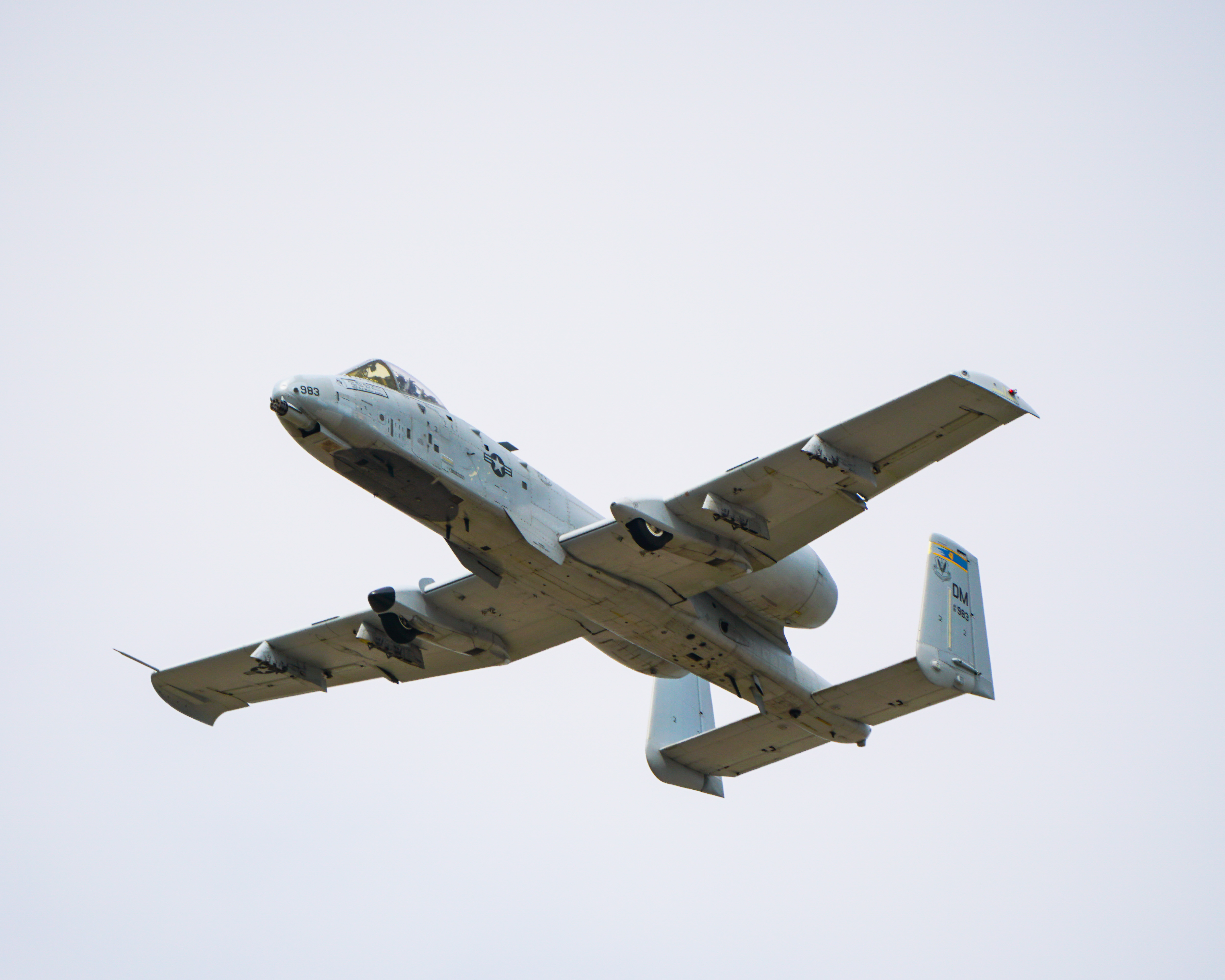






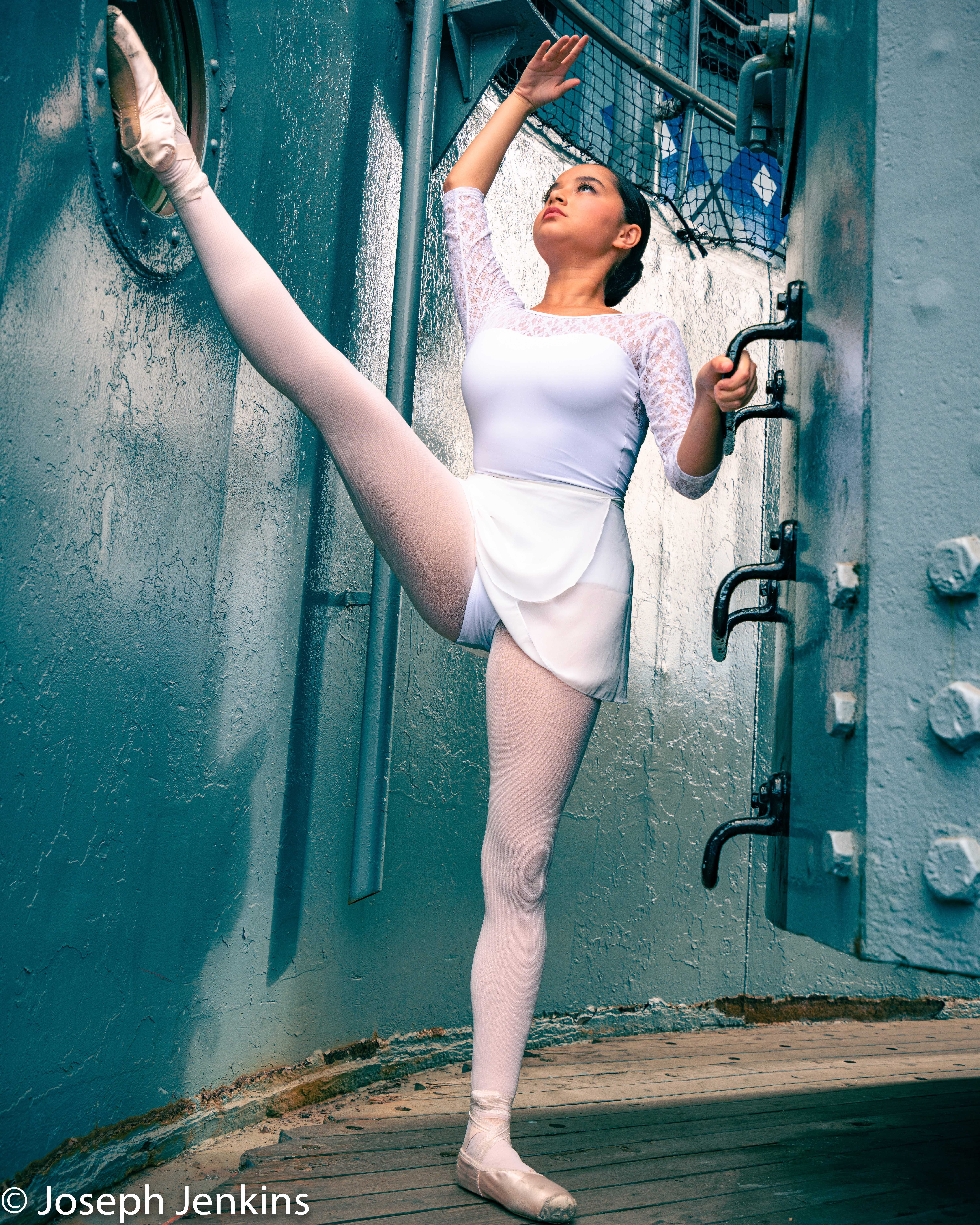
My Edits of the Ballerina’s on Battleships
I went through and decided to edit some of my photos myself using my own post processing skills vs what was done for me by the instruction. The first shot was done by the instructor, the other two by me.
Instructor:
Me:

Me:

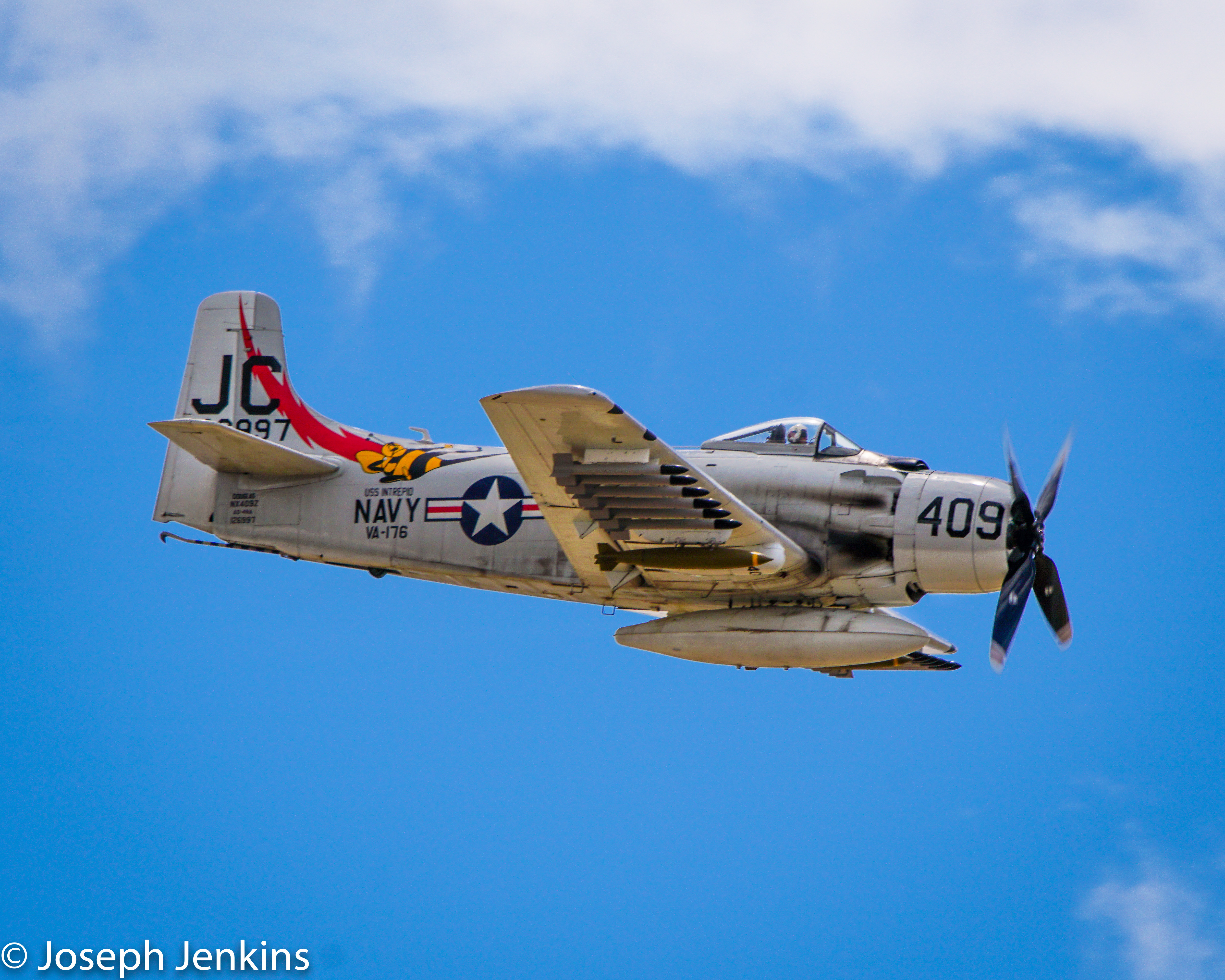
Planes on parade
With the enforced solitude, I have been going back through and editing some of the plane photos that I have taken. Here are a couple that were dark and not good looking. So I went through and punched up the colors on them to make them look better. These were both taken during the 2017 Planes of Fame Airshow. Happy with how the end results have come out and what they look like.

 Joseph Jenkins